


Using JupyterLab components#
JupyterLab is built with many re-usable components that are independently published on npm. JupyterLab itself assembles these components together to provide a full, IDE-like experience. However, developers are encouraged to use these to bring to life their own visions of what a computational environment should look like.
The JupyterLab repository has many examples to get you started.
The examples directory contains:
several stand-alone examples (
console,filebrowser,notebook,terminal)a more complex example (
app).
Installation instructions for the examples are found in the project’s README.
After installing the jupyter notebook server 4.2+, follow the steps for
installing the development version of JupyterLab. To build the examples,
enter from the jupyterlab repo root directory:
jlpm build:examples
To run a particular example, navigate to the example’s subdirectory in
the examples directory and enter:
python main.py
Dissecting the ‘filebrowser’ example#
The filebrowser example provides a stand-alone implementation of a filebrowser. Here’s what the filebrowser’s user interface looks like:
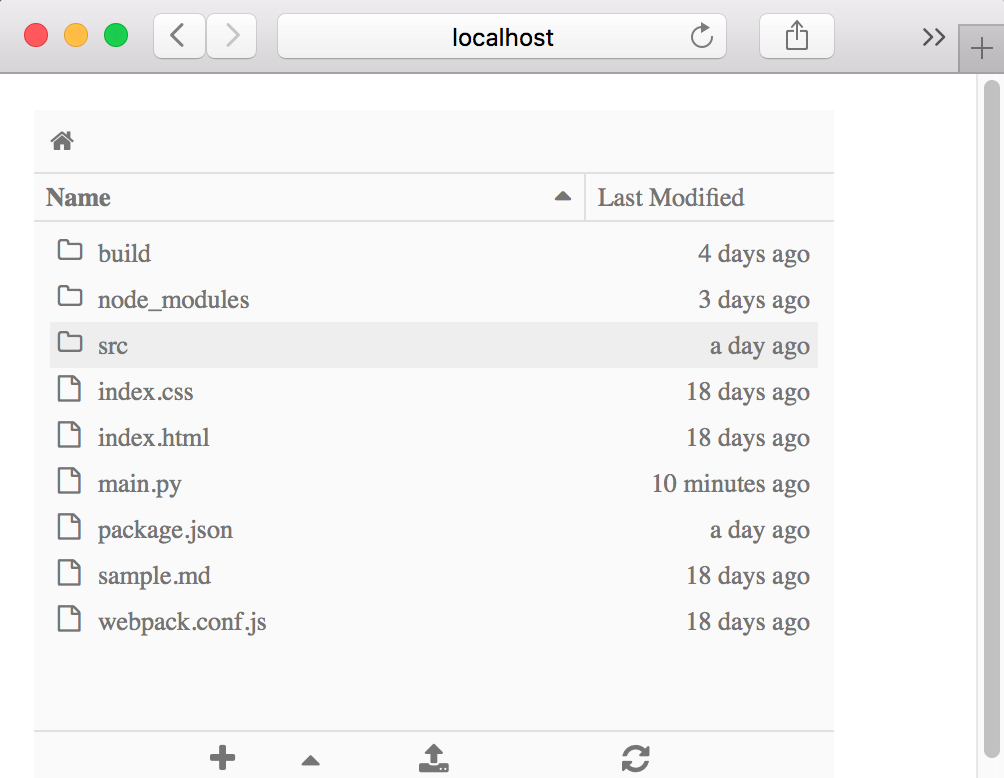
Let’s take a closer look at the source code in examples/filebrowser.
Directory structure of ‘filebrowser’ example#
The filebrowser in examples/filebrowser is comprised by a handful of
files and the src directory:
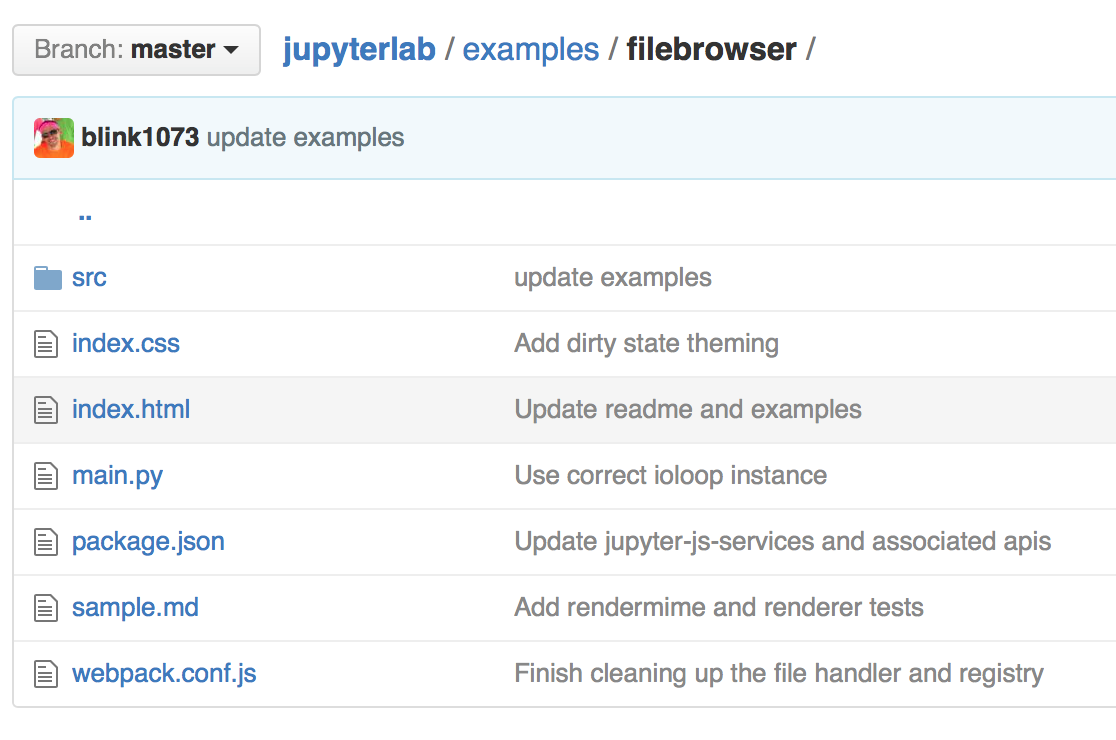
The filebrowser example has two key source files:
src/index.ts: the TypeScript file that defines the functionalitymain.py: the Python file that enables the example to be run
Reviewing the source code of each file will help you see the role that each file plays in the stand-alone filebrowser example.